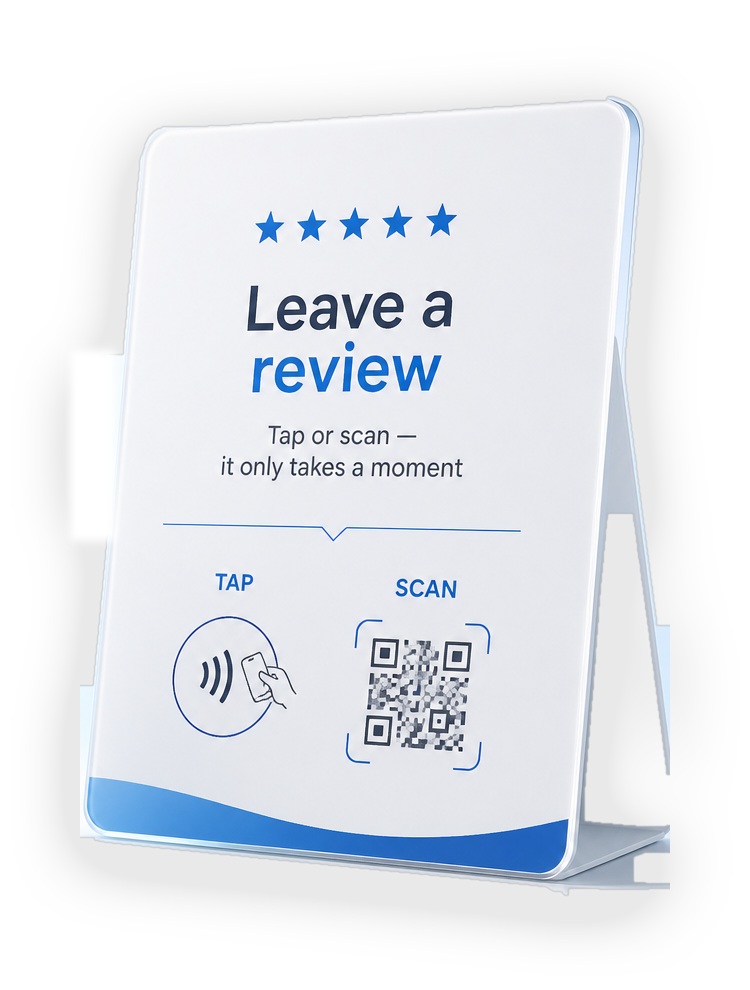
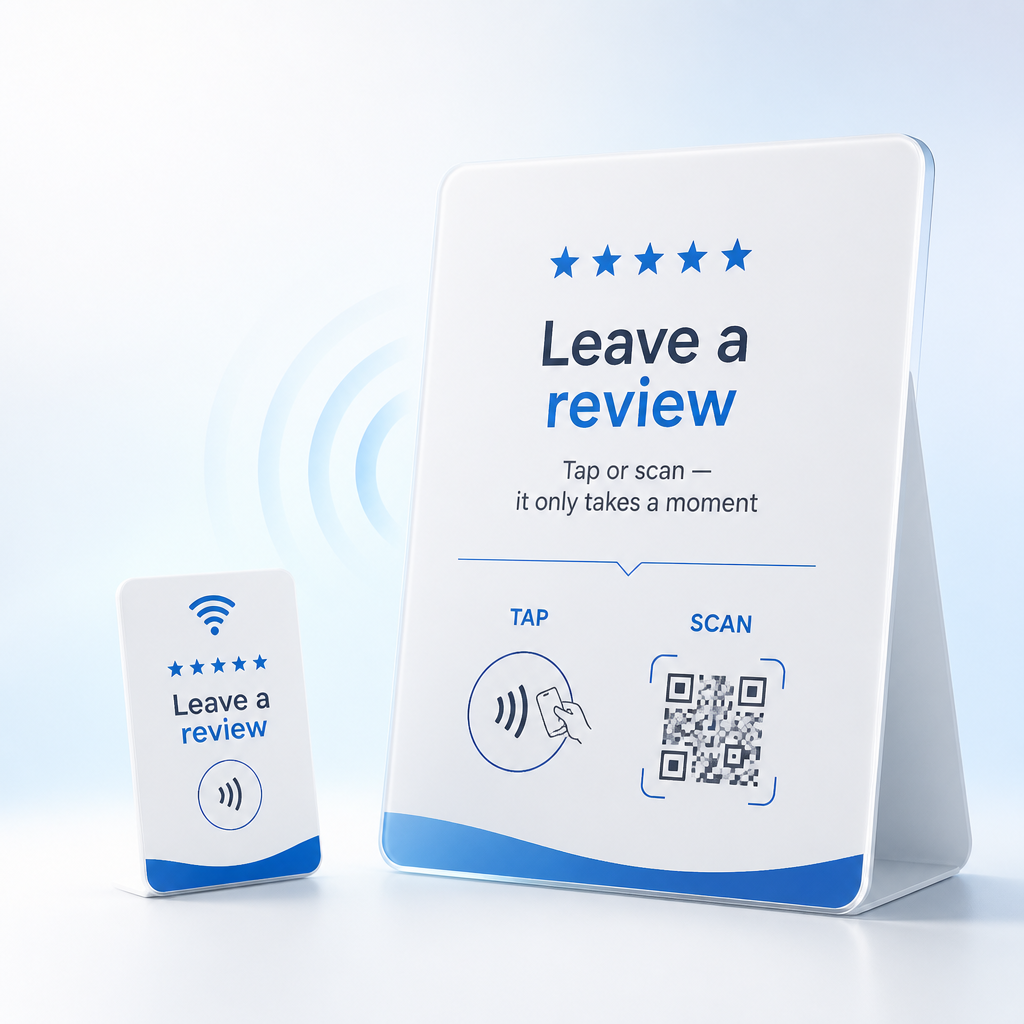
Review Display
NFC + QRSuitable for tables, counters, mirrors, reception areas, checkout points, and other customer-facing surfaces.
Nearloop combines NFC + QR customer touchpoints with simple software that helps local businesses make reviewing easier and understand how their touchpoints perform.
Interactions this month
142
+21% vs last month
Demo data
Nearloop is designed for local businesses with regular in-person customer interaction. We're still validating verticals, so every category gets the same attention.
Put a Nearloop-enabled customer touchpoint where customers naturally interact with the business.
Customers use NFC or QR from their phone.
They reach the intended customer experience, initially focused on Google review engagement.
Nearloop helps the business understand how those physical customer touchpoints are being used.
Suitable for tables, counters, mirrors, reception areas, checkout points, and other customer-facing surfaces.
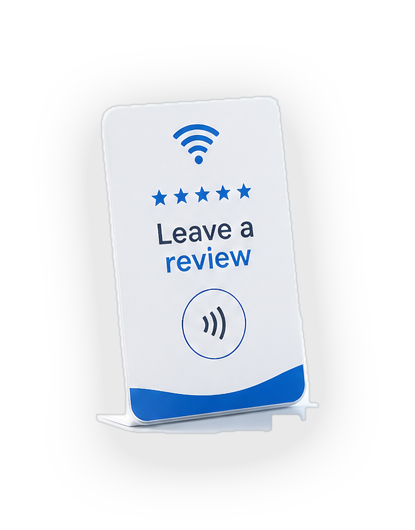
Suitable for staff handoff, waiters, service teams, mobile businesses, and customer-facing employees.
Nearloop helps businesses understand how their physical customer touchpoints are being used, through simple engagement analytics.
Nearloop · Overview
Interactions this month
142
Previous month
117
Monthly change
+21%
Active devices
4
Interaction trend
Sample data · last 6 months
Touchpoints
Sample data
Review Display
Front counter — Main location
Review Display
Reception — Second location
Mobile Tap Card
Owner — mobile use
The dashboard above is a demo preview with sample data — not live customer data.
Nearloop is building a guided setup finder that will recommend a configuration based on business type, size, number of locations, and where customer touchpoints naturally occur. Below are examples of how a setup can be shaped.
Customer handoff stand at the service desk, plus a portable card for advisors on the lot.
Reception touchpoint at checkout, plus selected stations where conversations happen.
Checkout touchpoint, plus strategic dining placements where guests naturally pause.
Organize locations and physical customer touchpoints.
Understand how customers interact with each touchpoint.
Use ongoing insights to improve customer engagement.
Start with the touchpoints that fit your business, then use the software to see how they perform.